WELCOME TO PLUS+Your TV.
Your TV.
More entertainment.
Live channels, radio, on-demand favourites and sports updates, all in one Android TV experience.
Get Downloader Code Android TV only · Not for phones or tablets
Live channels, radio, on-demand favourites and sports updates, all in one Android TV experience.
Get Downloader Code Android TV only · Not for phones or tabletsBrowse and enjoy a wide range of content on your Android TV.
Browse entertainment, news and more.
Music, talk, news and familiar favourites.
On-demand discovery for movie nights and beyond.
Stay close to fixtures, scores and league tables.
Content selection and availability can change by source, region, device and service status.
The things that make your big-screen time easier.
TV, radio, films, series and sports in a single easy-to-use app.
A spacious, remote-friendly interface designed for the living room.
Keep up with football fixtures, results, schedules and tables.
Switch between Data Saver, Normal Data and Higher Data to suit your connection and viewing preference.
Use a QR code or activation PIN to connect your verified account.
Choose from available audio languages and subtitles on supported video titles, where the source provides them.
Pick the playback preference that works for your connection in your Plus+ profile.
A lighter viewing option when you're conserving bandwidth or using a limited connection.
Balanced playback for everyday watching, with quality adapted to the content that's available.
Prefer higher-detail playback when you have the connection and data to support it.
On supported movies and series, choose from available audio-language tracks and subtitles. Options depend on the content provider.
Explore the Android TV interface before you install.
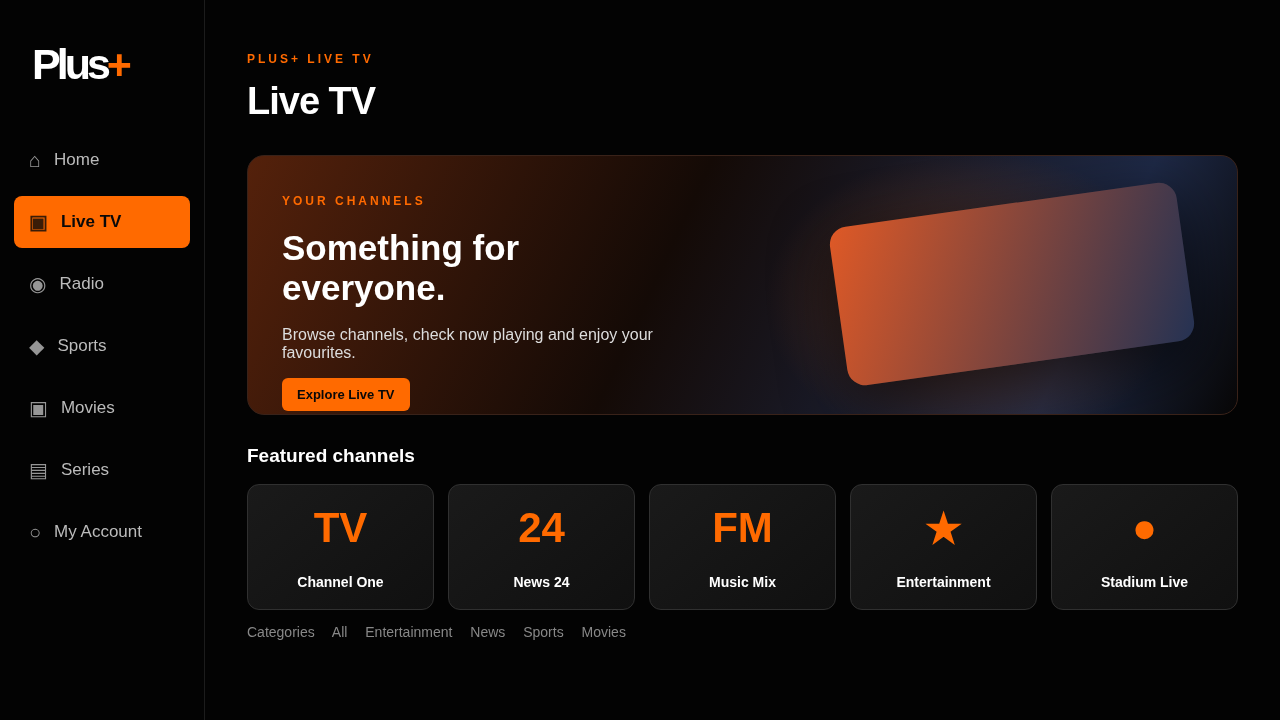
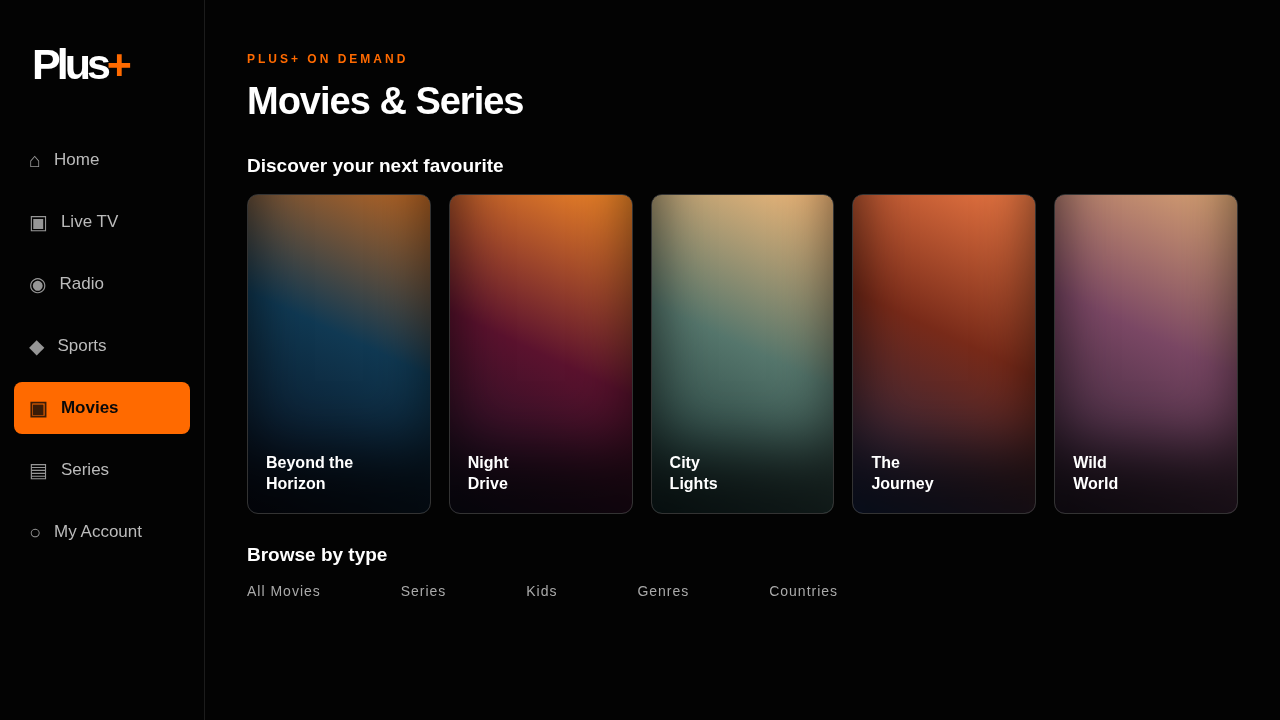
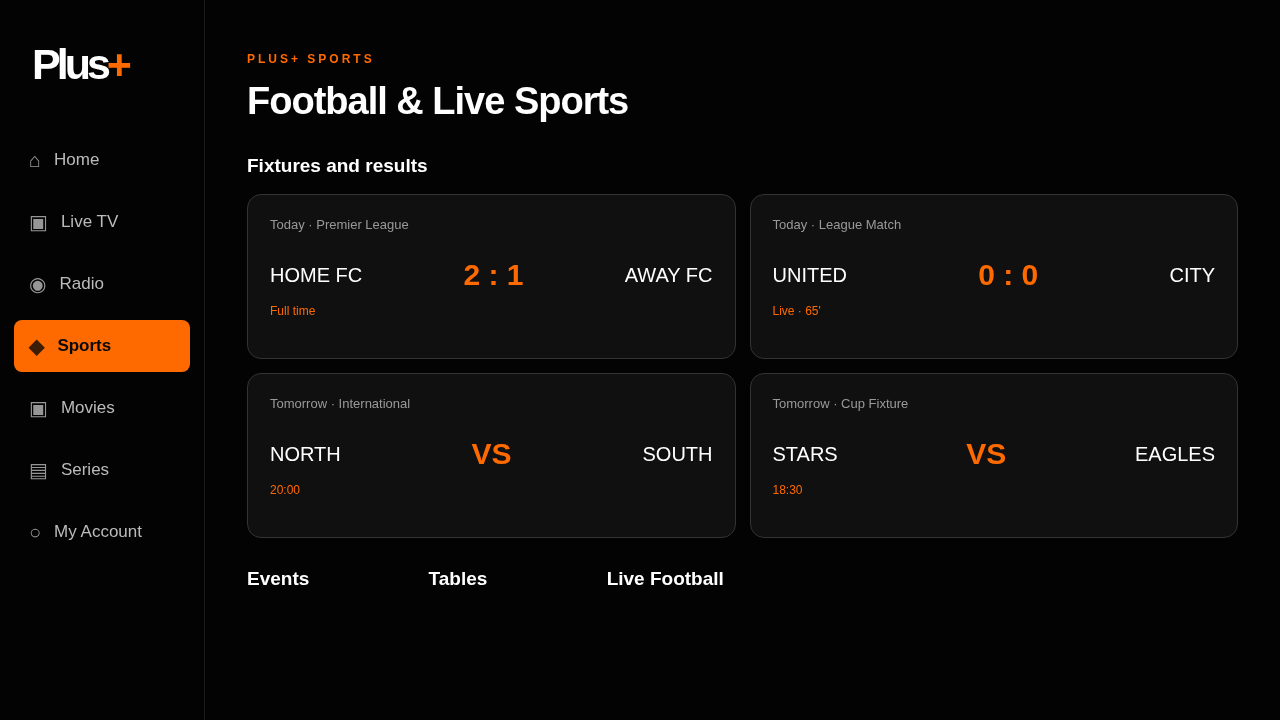
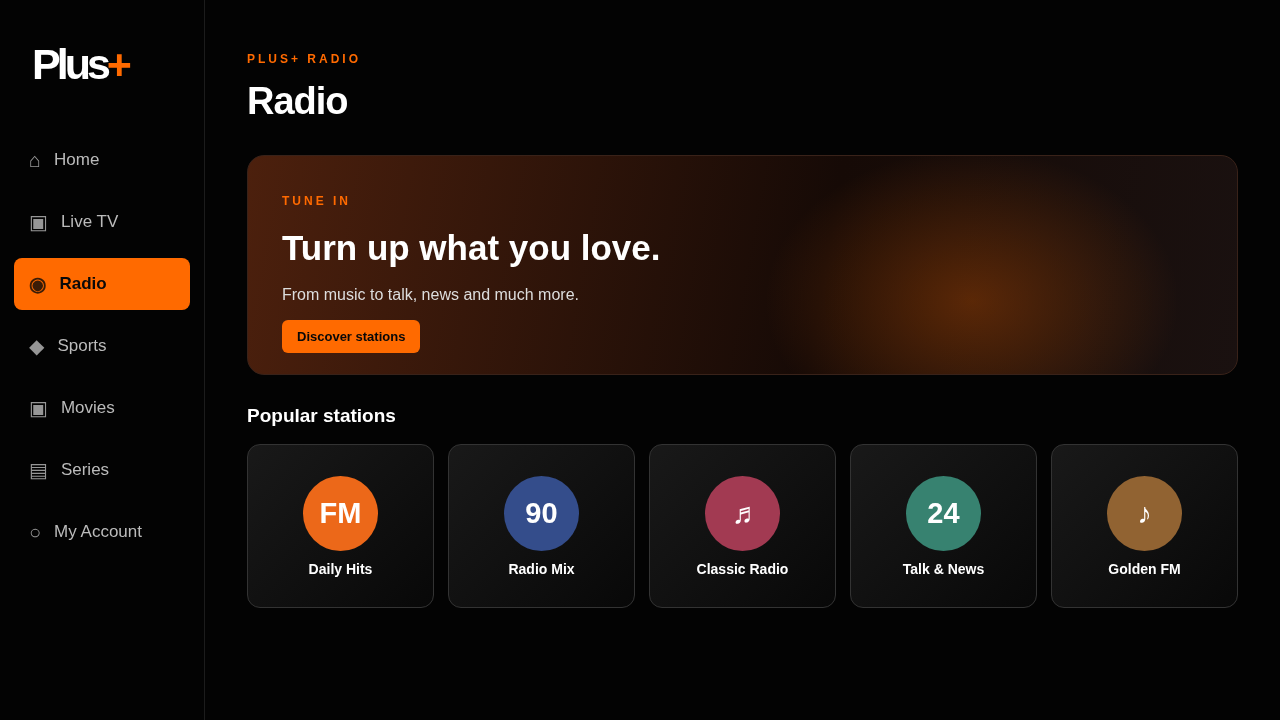
Interface illustrations. Actual content, images and layouts may differ by app version.
Have a partnership enquiry? Tell us about yourself and how we can reach you on Telegram. Our team will review your message.
Quick answers before you get started.
Plus+ brings TV, radio, on-demand discovery and sports features together in one Android TV app.
No. Plus+ is currently designed for Android TV devices only.
Install the Downloader app on your Android TV, enter the code shown on this page, and follow the installation prompts. Plus+ does not offer a direct APK download link on this site.
Open the app, scan the TV’s QR code or enter its PIN, and sign in or create and verify your Plus+ account. Go to TV activation.
The Sports section includes fixtures, scores, standings and other updates when data is available.
Yes. Choose Data Saver, Normal Data or Higher Data in your Plus+ profile. Available stream quality depends on the source and your connection.
Where a movie or series includes multiple audio languages or subtitles, the player lets you choose from those available options.
Rights holders can use our Content Removal / DMCA page for instructions and the contact address.